
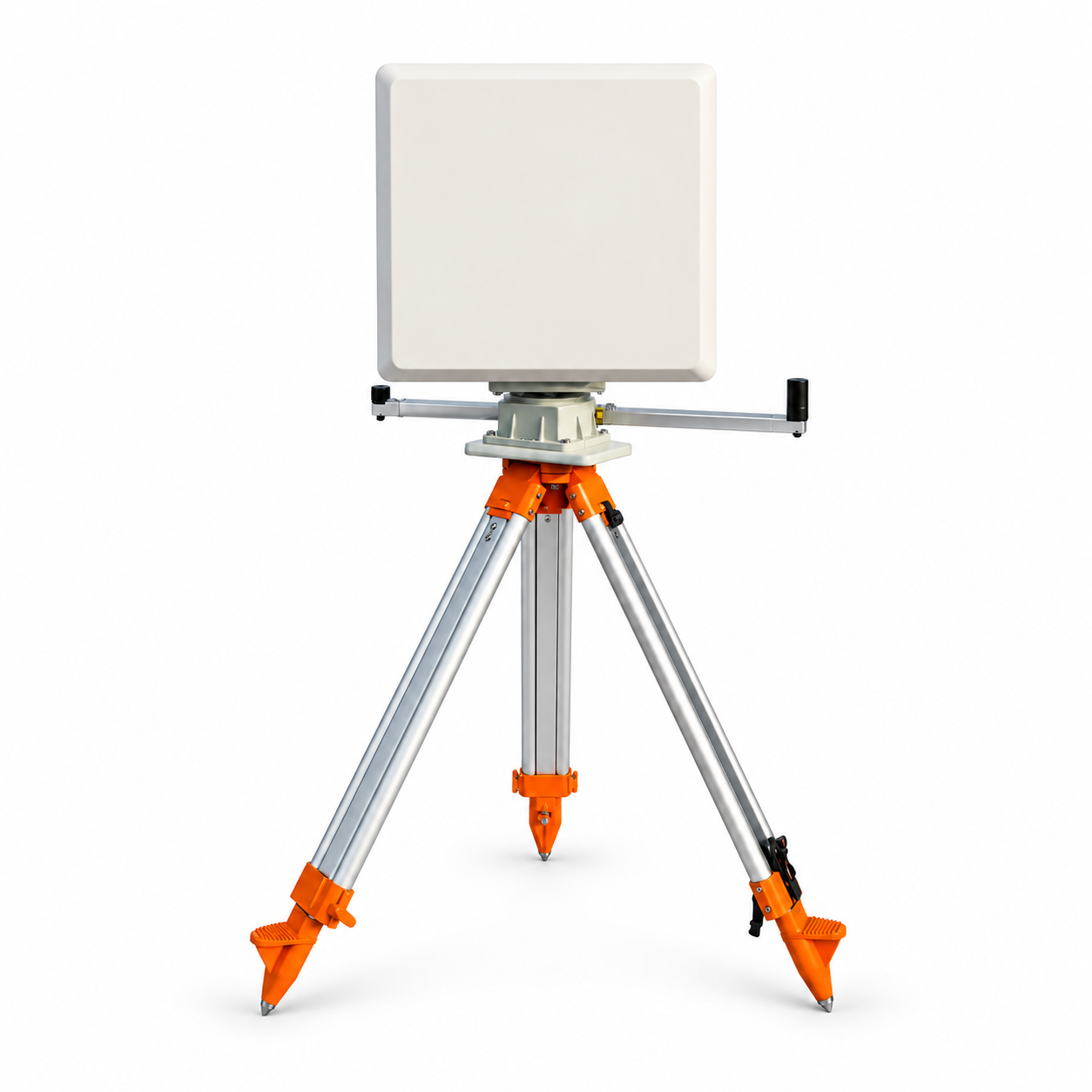
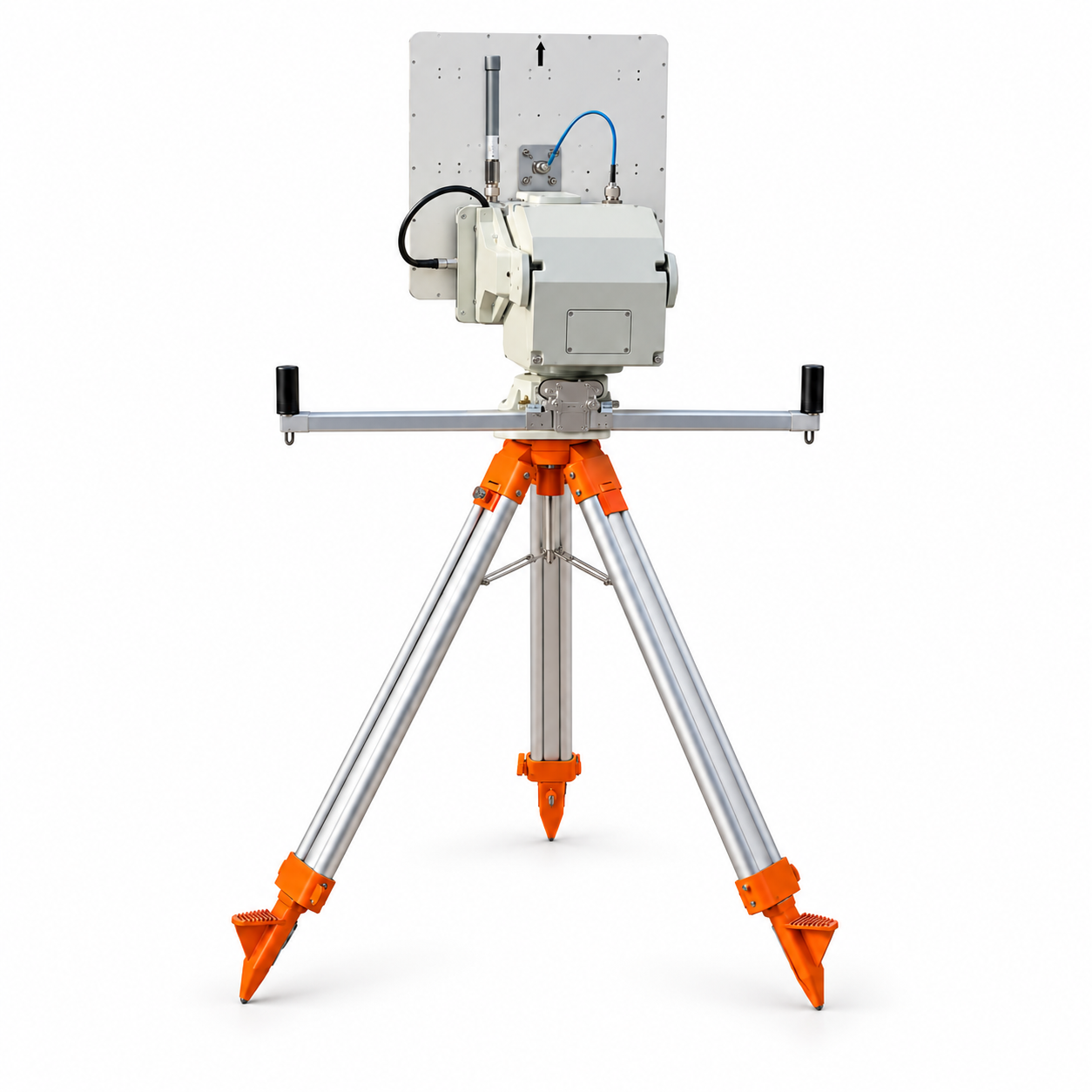
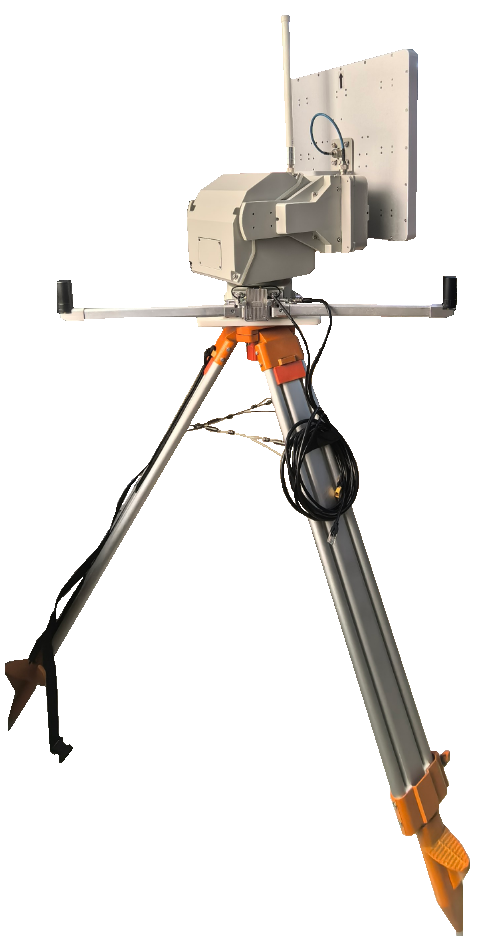
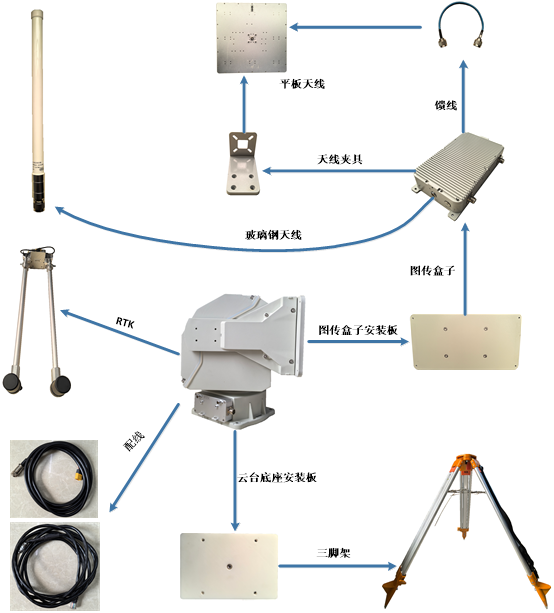
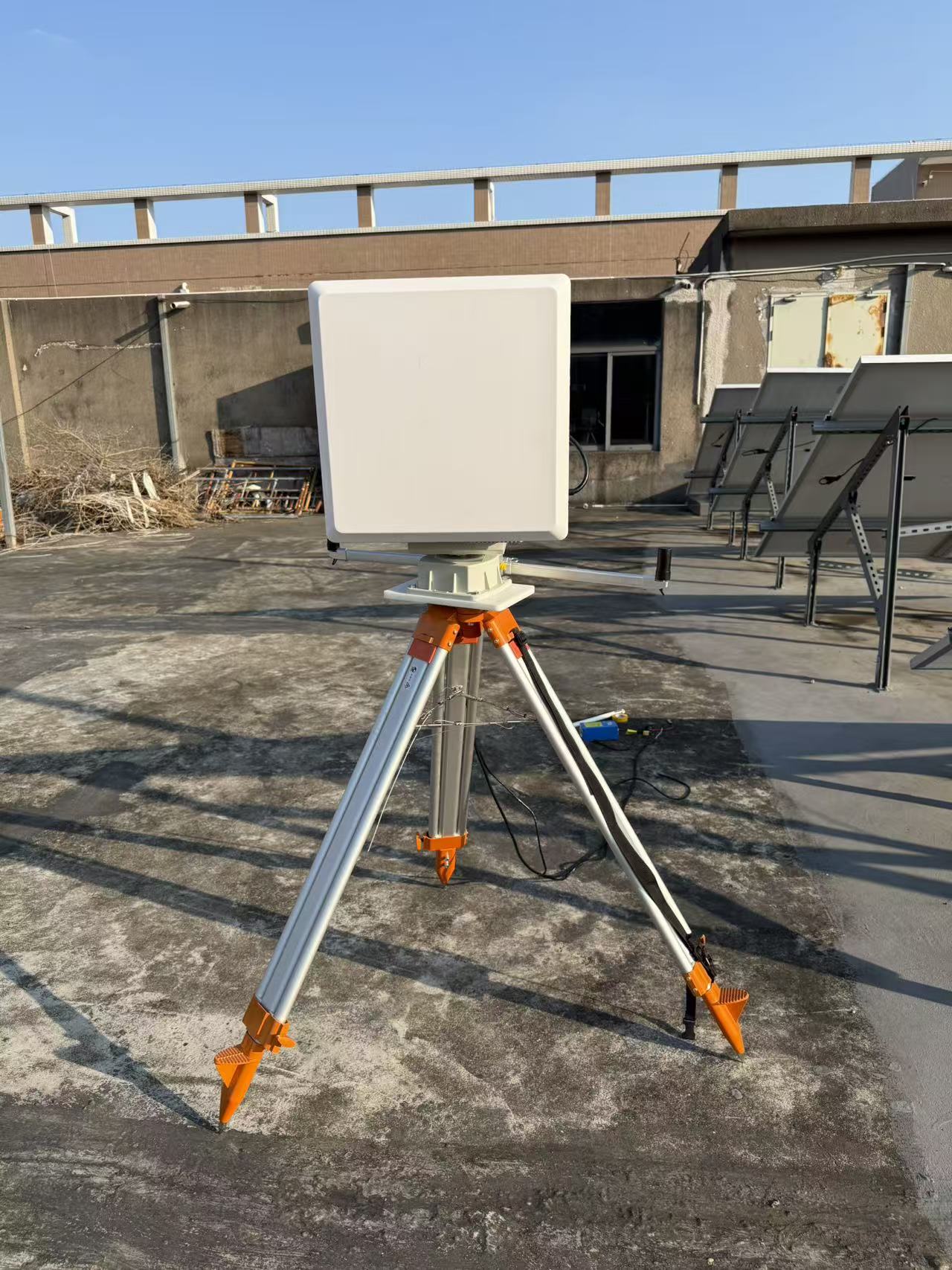
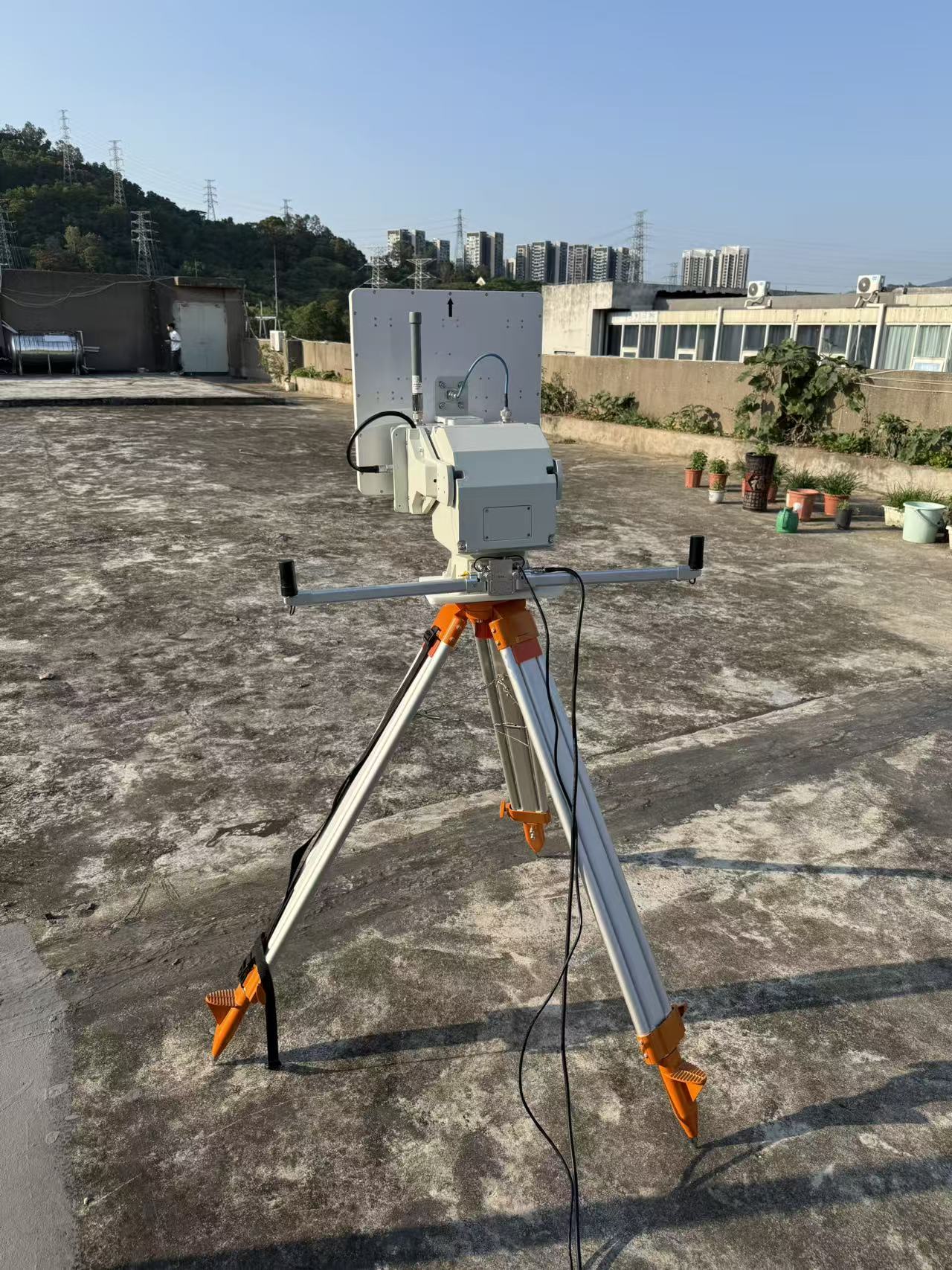
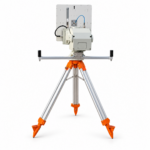
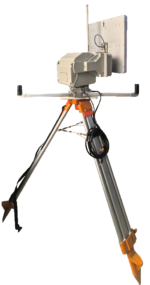
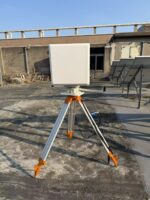
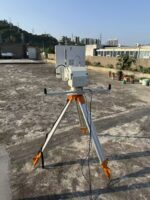
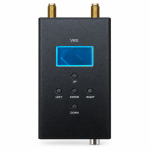
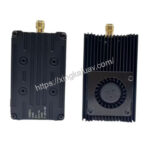
I. Parameters
| Input Voltage | DC24V |
| Power Consumption | ≤90 W (Gimbal) + ≤**W (Video Link) |
| Output Power | ≤48 W (Powered through the tracker’s rotating mechanism) |
| Horizontal Rotation Range | 0~360°(Unlimited) |
| Pitch Range | 0~90 ° |
| Maximum Horizontal Speed | 60 °/s |
| Maximum Pitch Speed | 30 °/s |
| Horizontal Accuracy | 0.1 ° |
| Pitch Accuracy | 0.1 ° |
| Protection Rating | IP66 |
| Operating Temperature | -35℃~66℃ |
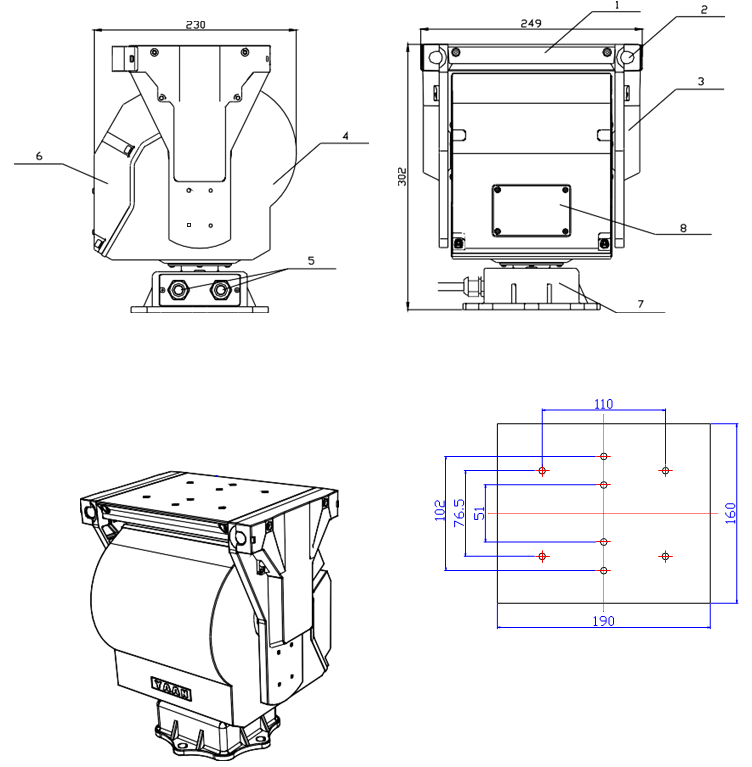
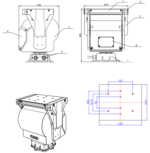
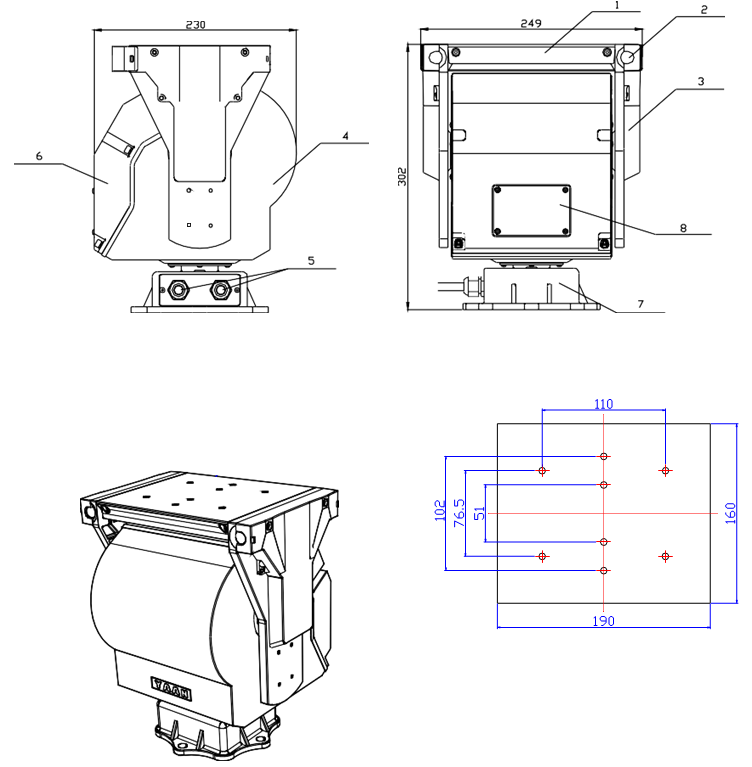
| Dimensions | 249*230*305mm |
| Weight | 13kg |
| Maximum Payload | 15.5kg |
| Supported Protocols | MAVLink 1.0, MAVLink 2.0, NMEA 0183 MFD Protocol, and 8 different autopilot protocols |
| Local Differential GPS | Standard configuration |
| Tracking While Moving | Yes |
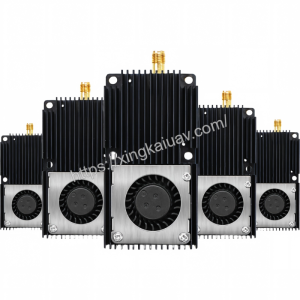
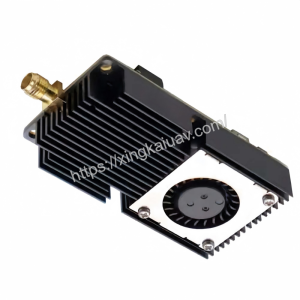
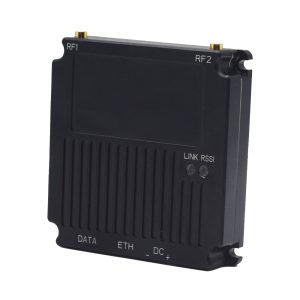
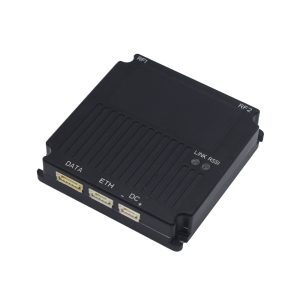
| Video Link Box | Optional: 50–200 km |
II. Installation
2.1 Dimensions
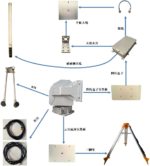
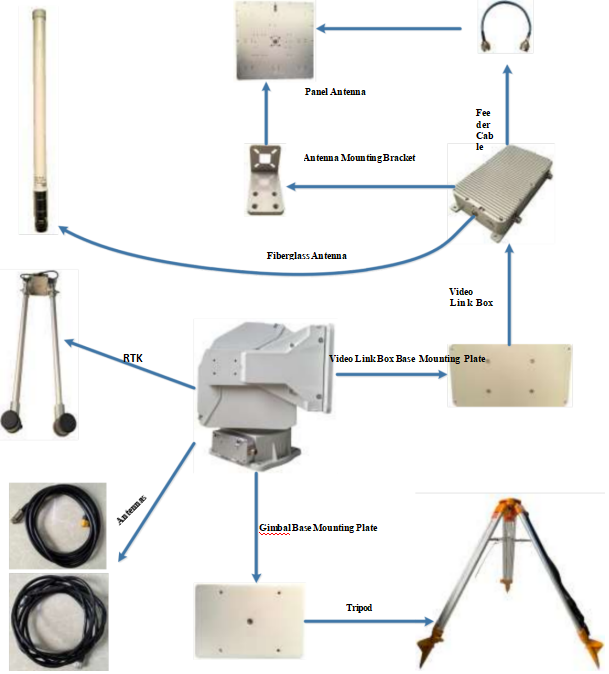
2.2 Installation Schematic
III. Gimbal Menu Operation Guide
3.1. Precautions Before Use
When operating the gimbal for the first time, please connect an external display.
Power on the gimbal and provide the correct telemetry data. The gimbal will then start its self-test, which takes approximately 1 minute and 40 seconds.
When “Dlink=100%” is displayed on the external screen, it indicates that the gimbal has successfully decoded the telemetry signal.
After the self-test is completed, the gimbal will automatically start tracking.
3.2. Menu Description
Only a few parameters need to be configured, such as the baud rate.
To access and operate the menu, connect an external display and then power-cycle the gimbal.
Main Interface Button Operations
Long press: ≥ 1.5 s
Short press: < 1 s
Left Button
Long press: Enter the menu.
Short press: Enter/exit Offline Mode.
In Offline Mode, the gimbal does not perform any tracking operation.
Right Button
Long press: Set the Preferred Flight Direction.
This function is not supported on certain customized versions.